
Use the index to show what each record covers
A purchase order can include a project summary, a plate map and one or more lot documents. Ask the supplier to list the exact records available and the level each covers. The main Celsentra service page is a starting point for a scope enquiry. For an offered COA, confirm the issuer, document identifier and applicable lot before recording its connection to particular inventory items.
Guangzhou Celsentra Biotechnology · Peptide library service scope


Distinguish a document filename from its scope
A file called Project-Final.pdf might cover an entire shipment, selected items or one lot. Read its internal identifier and ask the supplier to provide a cross-reference if the buyer uses different codes. Keep a column showing the expected document, one showing the received revision and one for outstanding questions. When a report is revised, retain the earlier revision in the record of that delivery.
Review a partial document bundle
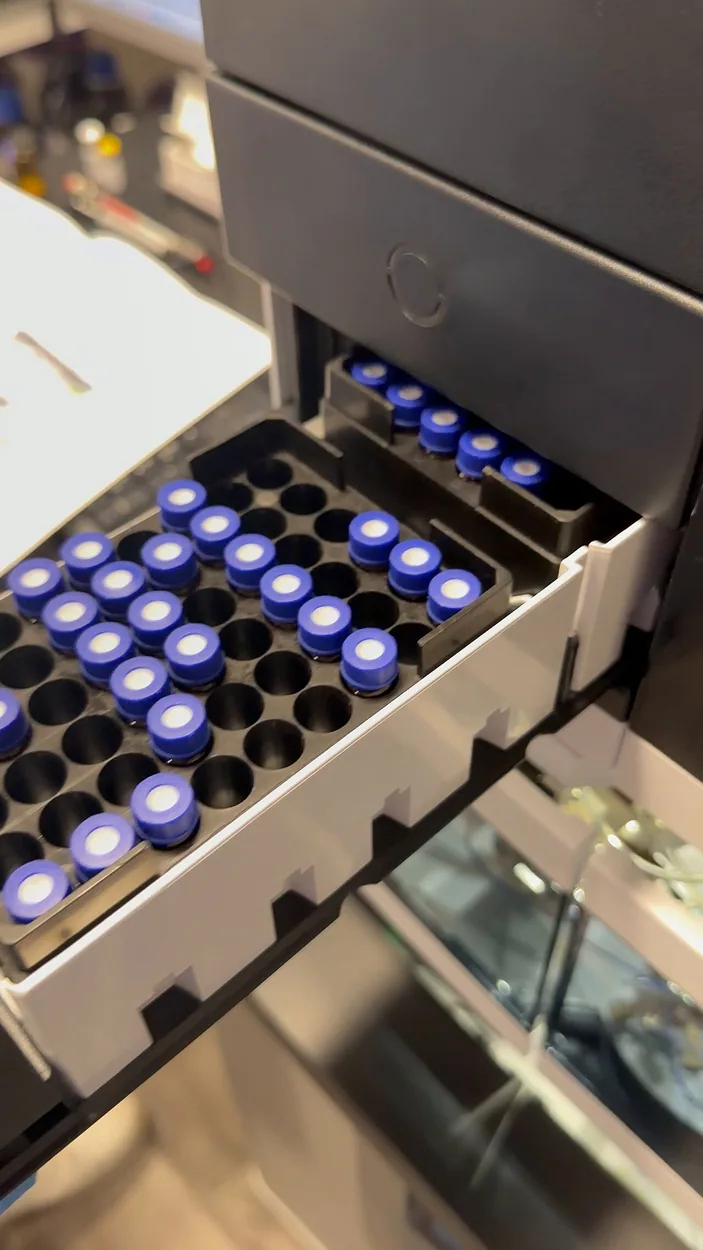
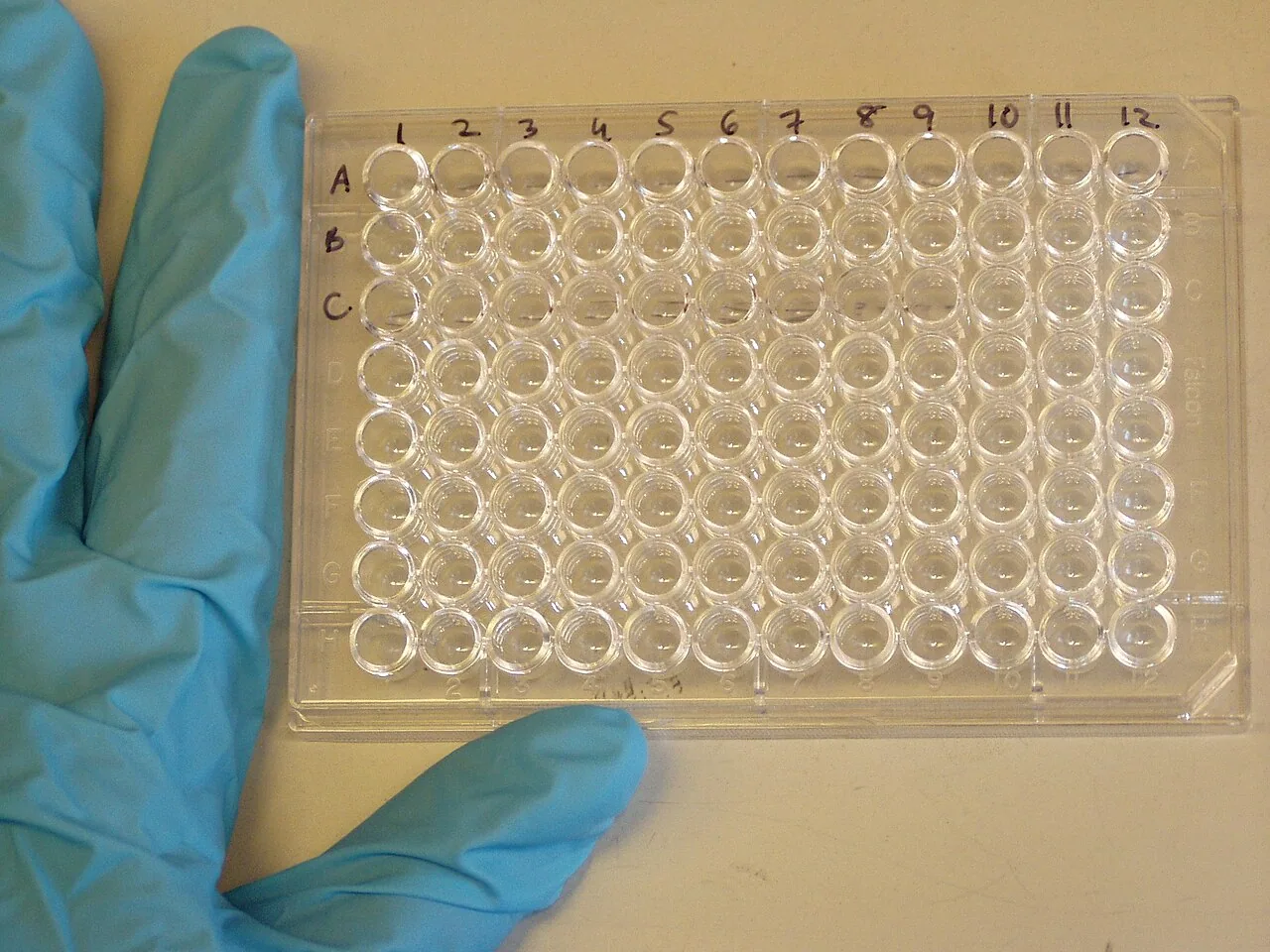
Suppose the package contains two plates and one certificate bearing a particular lot code. Associate the certificate only with the items the supplier explicitly maps to that lot. Ask for clarification about the remaining positions, and record the document status beside them. Receiving may count both physical plates while the document reviewer keeps some evidence pending. The two statuses can coexist without implying that a missing report was received.
Worked example
For an order spanning two separate releases, one project summary may remain current while a lot attachment changes. Add a field identifying the release to which each document applies. Ask the issuer to confirm that association before marking the whole project folder complete.
Prepare your inquiry
Record document scope and lot linkage separately from physical receipt.